

USB cables power almost every modern device we use daily, from smartphones and tablets to laptops, headphones, gaming accessories, and power banks. As technology evolves, USB cable types have also changed, creating confusion for many users trying to choose the right cable for charging, data transfer, or device connectivity.
Understanding USB cable types is not only helpful for compatibility, but also for charging speed, device safety, durability, and long-term performance. Choosing the right cable can improve charging efficiency, reduce device overheating risks, and prevent early cable damage.
This guide explains the major USB cable types, how they are used in real life, and how to choose the right cable based on your devices and daily usage environment.
Understanding the Evolution of USB Cable Types
USB cables have evolved to support faster charging, higher data transfer speeds, and safer power delivery. Earlier devices relied heavily on USB-A ports, which are still widely available today in wall chargers, cars, power banks, and laptops. Newer devices are increasingly using USB-C because of its reversible design, higher power capability, and faster data speeds.
Despite the rise of USB-C, USB-A remains extremely common. This is why cables that connect USB-A power sources to USB-C devices are still essential for everyday charging.
Main USB Cable Types Explained
USB-A to USB-C Cables
USB-A to USB-C cables are among the most widely used cable types today. They connect traditional USB-A ports to modern USB-C devices. This makes them extremely useful for users who own newer smartphones or accessories but still rely on older USB-A chargers or ports.
These cables are commonly used for smartphones, wireless earbuds, tablets, power banks, and gaming accessories. They are also widely used in cars and older office charging setups where USB-A ports are still standard.
For everyday charging setups, many users prefer medium-length cables that provide flexibility without clutter. For example, in desk setups or bedside charging environments, a durable double-braided USB-A to USB-C cable with fast charging support and reinforced connectors provides reliable daily performance.
https://zyrontech.com.au/products/usb-a-to-usb-c-cable-2m
In larger rooms or situations where power outlets are far from usage areas, longer cables provide more flexibility. High-quality extended-length USB-A to USB-C cables designed with strain relief technology and internal safety protection help maintain stable charging even across longer distances.
https://zyrontech.com.au/products/usb-a-to-usb-c-cable-3m-long
USB-C to USB-C Cables
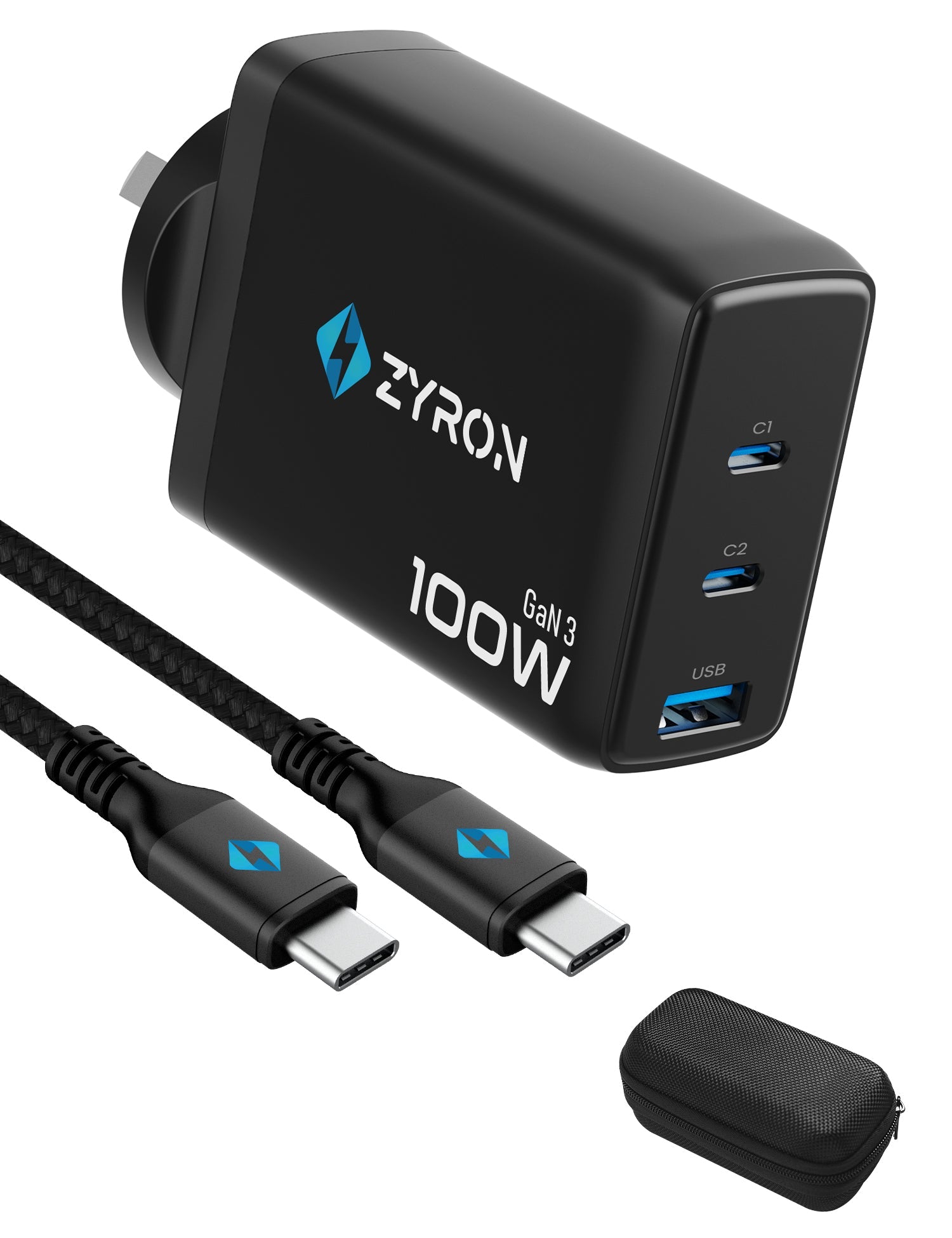
USB-C to USB-C cables are designed for newer devices that support higher power charging and faster data transfer. These are commonly used for laptops, modern smartphones, and high-wattage charging adapters.
They are often required for fast charging technologies and high-speed data transfers in newer hardware ecosystems.
USB-A to Micro USB Cables
Micro USB cables were once standard for smartphones, Bluetooth speakers, and older accessories. While still used in some devices, they are gradually being replaced by USB-C due to durability and speed limitations.
Lightning Cables
Lightning cables are used for older Apple devices that predate USB-C adoption. Many modern Apple devices are now moving toward USB-C connections, reducing long-term reliance on Lightning cables.
Why Cable Build Quality Matters
Cable quality directly affects charging consistency, safety, and lifespan. Many low-quality cables fail because of repeated bending near connector joints. High-quality cables use reinforced connectors, strain relief technology, and braided outer protection to protect internal wiring.
Some premium cables are tested for more than 50,000 bend cycles. This matters for users who charge devices while using them, travel frequently, or unplug and plug cables multiple times daily.
Double braided nylon construction helps prevent tangling and protects internal conductors from daily wear and tear, improving long-term reliability.
Understanding Fast Charging and Data Transfer Performance
Charging speed depends on both the cable and the charger. Cables supporting higher current, such as 3A fast charging support, allow devices to charge faster when paired with compatible power adapters.
Modern USB cables can also support stable data transfer speeds up to USB 2.0 levels for everyday file transfers, backups, and syncing. Stable current control and internal resistor protection help prevent overheating and protect device batteries during charging.
Choosing the Right Cable Length for Real Life Usage
Cable length affects convenience, comfort, and cable lifespan. Choosing the right length helps prevent connector strain and improves daily usability.
For everyday desk charging, bedside setups, and travel use, medium-length cables usually provide the best balance. For larger rooms, studios, or workshop environments, longer cables allow users to charge devices comfortably without sitting close to power outlets.
Many users eventually keep multiple cable lengths for different environments to improve convenience and reduce cable wear caused by stretching shorter cables.
USB Cable Maintenance for Long-Term Performance
Proper cable handling significantly improves cable lifespan. Even high-durability cables benefit from correct usage habits. Avoid pulling cables from the wire and instead unplug using the connector housing. Avoid sharp bends near connectors and store cables loosely instead of tightly wrapping them. Keeping cables away from heat sources and heavy pressure points also prevents internal wire damage over time.
Regularly checking connectors for dust or debris helps maintain stable charging contact and prevents connection issues.
Simple Ways to Make Your Charging Cables Last Longer
Using the correct cable length for your setup prevents unnecessary stretching and strain. Avoid charging devices in positions where cables hang under tension. Using cable organisers in desk setups helps reduce twisting and accidental pulling.
Users who charge devices multiple times daily often benefit from rotating between two cables to reduce long-term wear on a single cable.
Final Thoughts
USB cables may look simple, but choosing the right cable type, build quality, and length can significantly improve charging performance and device safety. As devices continue evolving toward USB-C, USB-A to USB-C cables remain essential for connecting modern devices to widely available USB-A power sources.
Investing in well-built cables designed for durability, stable charging, and daily reliability helps reduce replacement frequency and improves long-term device charging performance.
FAQ Section
What is the difference between USB-A and USB-C cables?
USB-A is the traditional rectangular USB connector commonly found on older chargers, laptops, and car ports. USB-C is the newer reversible connector designed for faster charging and improved data transfer performance. USB-A to USB-C cables are commonly used to connect older power sources to modern devices.
Are USB-A to USB-C cables still relevant today?
Yes. Many homes, cars, and workplaces still use USB-A charging ports. USB-A to USB-C cables are essential for charging newer USB-C devices using these existing power sources.
Does cable length affect charging speed?
With high-quality cables, length usually does not significantly impact charging speed for everyday devices. Cable build quality, internal wiring, and connector design have a bigger impact on performance than length alone.
What makes a USB cable durable?
Durable cables usually include reinforced connectors, braided outer protection, strain relief design, and bend testing. Some high-quality cables are tested for over 50,000 bends to ensure long-term reliability.
How do I choose the right cable length?
Choose shorter cables for travel and desk setups where outlets are nearby. Choose longer cables if you need flexibility across larger spaces like living rooms, studios, or workshop environments.




Leave a comment
All comments are moderated before being published.
This site is protected by hCaptcha and the hCaptcha Privacy Policy and Terms of Service apply.