


Have you ever found yourself searching through a tangled mess of cables, trying to find the one specific charger for your phone, another for your laptop, and yet another for your tablet? This common frustration is precisely what USB-C was designed to eliminate. The world of charging is rapidly consolidating around this powerful, versatile standard. Charging is quickly uniting around this strong, flexible standard. It promises a future where one cable and charger can power almost every device you own. But with new terms like "Power Delivery" and "GaN technology" entering the conversation, it can feel overwhelming for a newcomer.
Why USB-C? Understanding the Modern Charging Standard
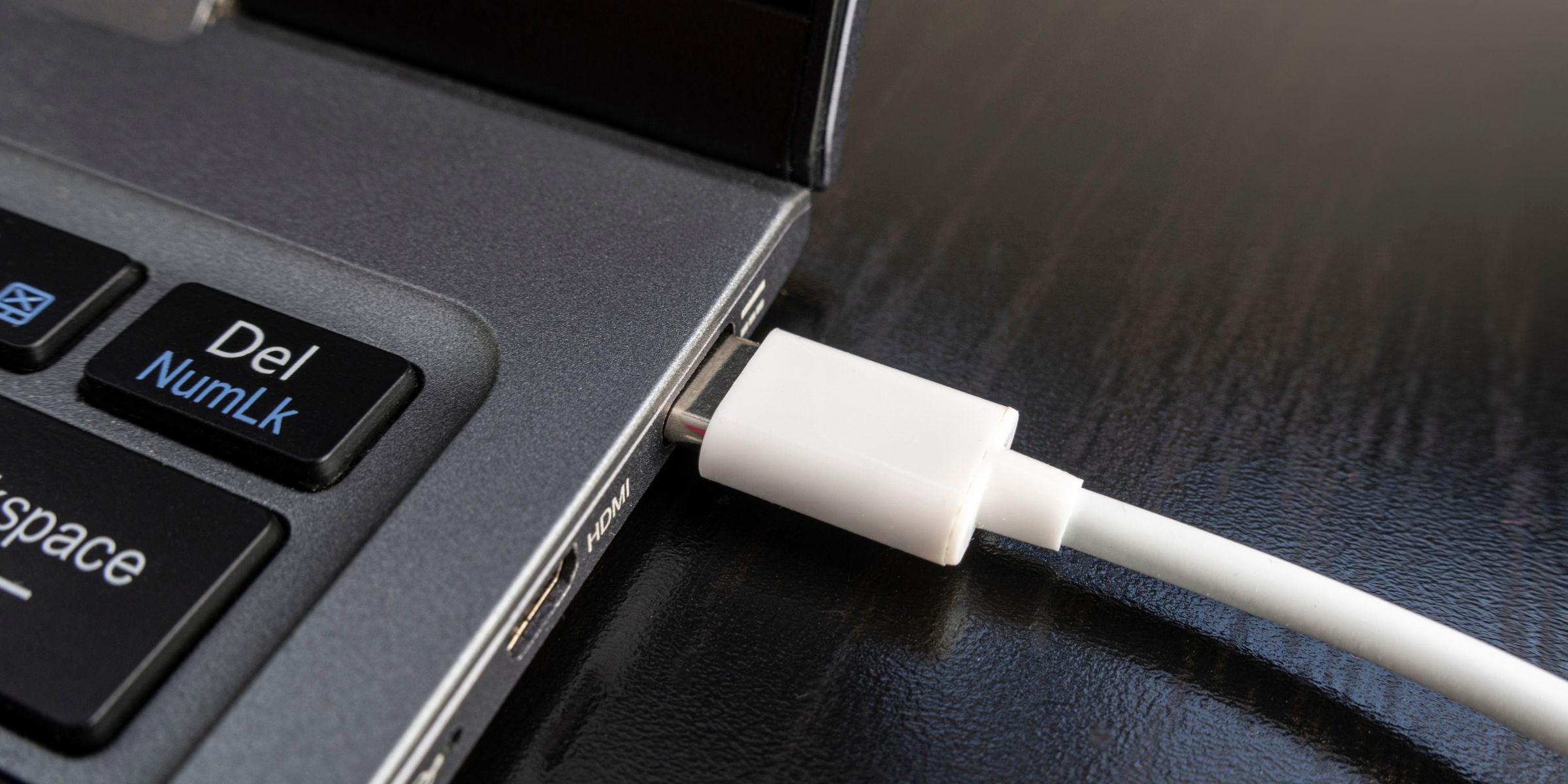
USB-C is more than just a new connector shape; it's a comprehensive upgrade to how we power our devices and transfer data. It offers significantly faster charging speeds, supports high-power devices like laptops, and combines power, data, and even video into a single, reversible cable. This unification simplifies our digital lives, reduces electronic waste, and clears the clutter from our bags and desks. Embracing USB-C means stepping into a more efficient and streamlined technological ecosystem.
What This Guide Will Cover
This guide will demystify the world of USB C Chargers for beginners. We'll break down the essential concepts in simple, easy-to-understand terms. You will learn what USB-C is. You will understand how fast charging with Power Delivery (PD) works. You will decode technical specs like watts. You will discover different types of chargers. By the end, you'll have the confidence to choose the perfect, safest, and most efficient USB-C charger for your specific needs, whether for your smartphone, laptop, or upcoming international travel.
What Exactly is USB-C and Why Does It Matter for Charging?
At its core, USB-C is the new industry-standard connector for transmitting both data and power. Unlike its predecessors (like USB-A or Micro-USB), it represents a significant leap forward in capability and design. Understanding the port, the cable, and the technology helps you see why USB-C is the universal solution for modern electronics. This understanding is key to appreciating why it has become the default choice for everything from the latest iPhone 16 to high-performance laptops.
The USB-C Port: Reversible, Robust, and Ready for Anything
The most recognizable feature of USB-C is its physical connector. The small, oval-shaped USB-C port is symmetrical, which means you can plug the cable in right-side-up or upside-down—no more fumbling in the dark. This simple design enhancement eliminates a daily annoyance of older USB plugs. The port itself is also designed to be more durable, with a robust build that can withstand thousands of connection cycles. It's compact enough to fit on the slimmest smartphone while being powerful enough to serve as the primary charging and data port on a MacBook Pro.
The USB-C Cable: Not All Are Created Equal
While the connectors on each end may look identical, the capabilities of a USB cable designed for Type-C can vary dramatically. A basic, low-cost USB cable might only support slow charging and basic data transfer speeds, equivalent to old USB 2.0 standards. A high-quality, certified cable can handle high-wattage power for Fast Charging. It also supports very fast data transfer speeds. This lets you move large files in seconds. Some premium cables even offer convenient features like built-in displays to show charging wattage or innovative Retractable Cables for tangle-free travel. It's crucial to remember that your charging ecosystem is only as fast as its weakest link—the charger, the cable, and the device must all support the same high-speed standards.
The "Why" Behind USB-C's Dominance: Versatility and Future-Proofing
USB-C's dominance stems from its incredible versatility. A single USB-C port can replace a multitude of other ports. It can charge your device, transfer data at up to 40Gbps with Thunderbolt 4, output 4K video to an external monitor, and connect to a universe of peripherals. This "do-it-all" capability is why manufacturers have adopted it across their product lines. USB-C is used beyond consumer electronics. People use it to connect a Raspberry Pi for hobby projects. It also helps with serial communication to program an Arduino IDE. This broad adoption future-proofs the standard, ensuring that the high-quality chargers and cables you invest in today will remain relevant for years to come.
The Power Behind USB-C: Understanding Power Delivery (PD)

The true game-changer for USB-C charging isn't just the connector; it's the intelligent technology working behind the scenes. The most important of these is USB Power Delivery (PD), a charging protocol that enables faster, more flexible, and safer charging for a wide range of devices.
What is USB Power Delivery (USB PD)?
USB Power Delivery is a specification that allows for a much higher power output—up to 240 watts with the latest standard—over a USB-C connection. More importantly, it facilitates a two-way conversation between the charger and the device. When you plug a PD-compatible device into a charger with a USB-C PD port, they actively "negotiate" to determine the optimal voltage and current needed for the most efficient charge. Charging Protocols control an intelligent handshake. This handshake makes sure the device gets the exact power it needs. It speeds up charging without harming the battery.
Why PD is a Game-Changer for Fast Charging
This negotiation process is what makes Fast Charging possible and safe. Older chargers provided a fixed, low power output. Power Delivery is dynamic. A single 65W PD charger can intelligently deliver 65W to charge a laptop, then switch to providing 20W for a smartphone, and then 5W for a pair of earbuds. This adaptability lets one charger power all your devices. It delivers the maximum safe speed for each product. This eliminates the need for a separate power brick for every gadget, simplifying your tech life.
Key Benefits of PD: Faster Speeds and Device Compatibility
The primary benefit of USB Power Delivery is speed. A PD-enabled charger can power up a compatible smartphone from 0 to 50% in as little as 30 minutes, a feat impossible with standard 5W chargers. The second key benefit is its broad compatibility. Because PD is a universal standard, a certified PD charger will work with any PD-enabled device, regardless of the brand. This means a single high-quality charger can replace the proprietary power bricks for your MacBook, Dell laptop, iPhone, and Android device, creating a truly universal charging solution.
Decoding Charger Specifications: Watts, Volts, and Amps for Beginners
When shopping for a USB-C charger, you'll be confronted with a few key technical terms: Watts (W), Volts (V), and Amps (A). While they may seem intimidating, understanding the basics is simple and will empower you to make an informed choice.Understanding Watts, Volts, and Amps
Watts (W): This is the overall measure of power that a charger can deliver. Think of it as the "work" your charger can accomplish in a given time. Higher wattage means faster charging capabilities. For example, a 60W charger will charge a compatible device more quickly than a 30W charger, assuming the device supports that level of power.
Watts (W): The Most Important Number for Charging Speed
For the average user, wattage (W) is the single most important number to pay attention to. Think of it as the total power output of the charger. A higher wattage generally means a faster charge. For example, a standard old iPhone charger was 5W. Modern fast chargers for a smartphone typically start at 20W, while a laptop may require a charger with an output of 65W or even 100W. The key is to match the charger's wattage to your device's needs.
Volts (V) and Amps (A): The Building Blocks of Power (Simplified)
If you're curious about the details, watts are simply the product of volts and amps (Volts x Amps = Watts). You can think of volts as the "pressure" of the electrical current and amps as the "flow rate." Power Delivery technology adjusts voltage and amperage smartly. It creates the best wattage for the connected device. This ensures both fast charging and safety. For most purchasing decisions, however, focusing on the total wattage is sufficient to find the right charger.
Understanding Charger Output: Matching Power to Your Device
Your device will only draw as much power as it is designed to handle. This means you can safely use a high-wattage charger (like a 100W laptop charger) to charge a lower-wattage device (like a 20W smartphone). The phone's internal circuitry, in communication with the PD charger, will only request the 20W it needs. However, the reverse is not true. Trying to charge a 65W laptop with a 20W phone charger will be extremely slow or may not work at all, as the device's power requirements are not being met.
Different Flavors of USB-C Chargers for Every Need
USB C Chargers are not a one-size-fits-all product. They come in various forms, each designed for a specific use case. Choosing the right type depends on your lifestyle, the devices you own, and where you do most of your charging.
Wall Chargers: Your Everyday Power Source
This is the most common type of charger. It plugs directly into a standard wall outlet and serves as the primary power source for your devices at home or in the office. Modern wall chargers often incorporate GaN technology. Gallium Nitride (GaN) is a semiconductor material. It is more efficient than traditional silicon. This allows chargers to be very small and light. They do not lose power or make too much heat. This means a powerful 100W charger can now fit in the palm of your hand.
Portable Chargers (Power Banks): Power on the Go
A portable charger, commonly known as a Power Bank, is an essential accessory for anyone who needs power away from a wall outlet. These devices, also called a Power Bank Charger, contain rechargeable batteries and are perfect for travel, long commutes, or outdoor adventures. Their battery capacity is measured in Milliampere-hours (mAh); a 10,000mAh model can typically fully charge a modern smartphone two to three times. High-end models like the PowaStellar 140W Power Bank offer massive capacity and high-wattage outputs to charge laptops and multiple devices simultaneously. When choosing, consider not just the mAh but also the number of Charge Cycles it's rated for, which indicates its long-term durability. Models like Zyron's Powaflex are designed to balance high capacity with a compact, travel-friendly form factor.
Car Chargers: Keeping Devices Juiced on the Road
A car charger plugs into your vehicle's 12V socket (the cigarette lighter port) and provides power on the move. A modern USB-C car charger with Power Delivery can fast charge your smartphone during a short drive, ensuring you arrive at your destination with a full battery. This is a must-have for anyone who relies on their phone for navigation using Google Maps or streams music and podcasts while driving.
Desktop Chargers: Your Multi-Device Charging Hub for Home or Office
For those who need to power multiple devices at their desk, a desktop charging station is the ideal solution. These hubs plug into the wall with a single cord but offer multiple output ports—often a mix of high-wattage USB-C PD ports and standard USB-A ports. This allows you to charge your laptop, smartphone, tablet, and accessories all at once, creating a tidy and efficient power station that declutters your workspace.
How to Choose the Best USB-C Charger
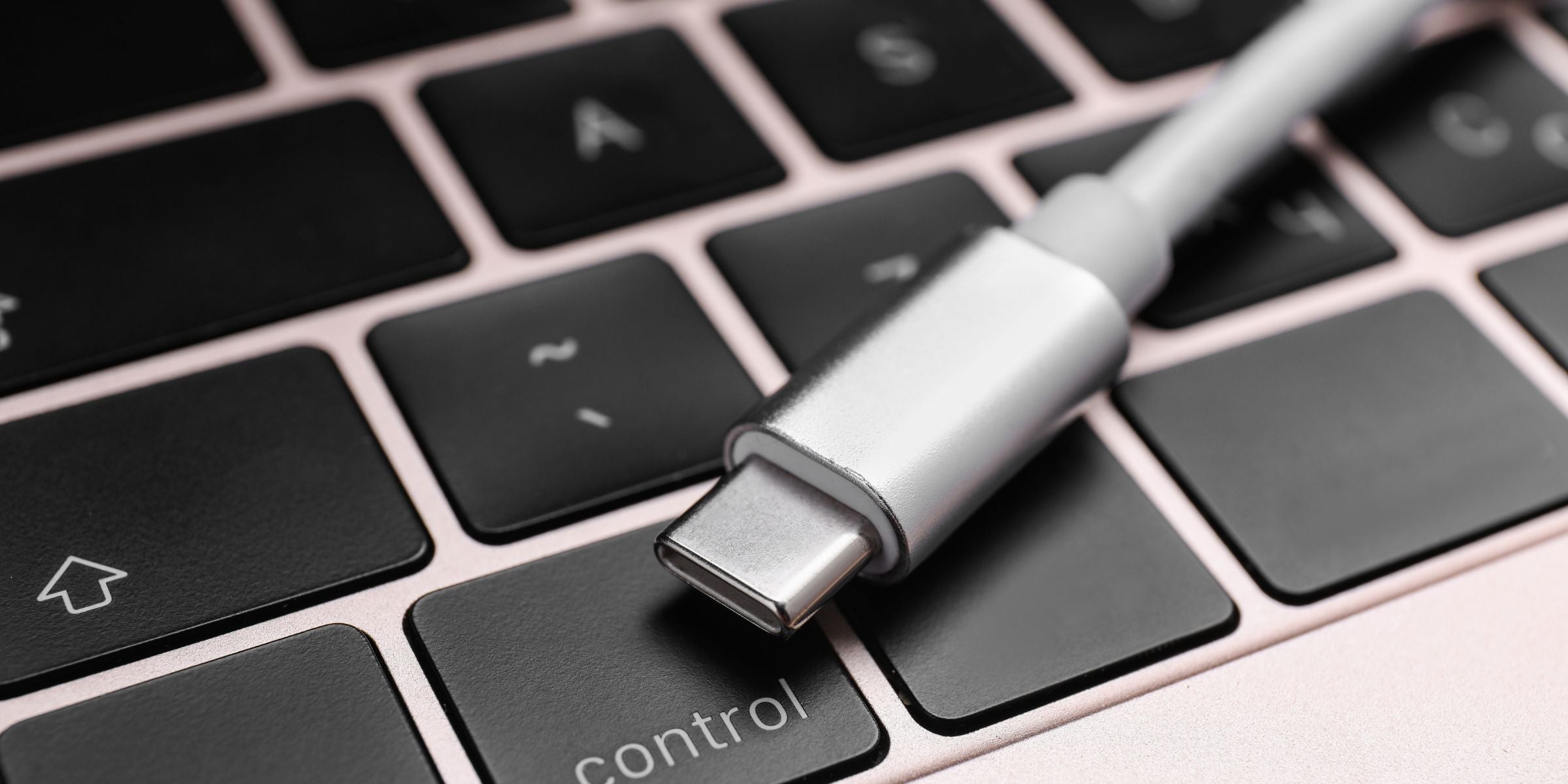
With the fundamentals covered, it's time to select the right charger for you. The ideal product depends on the devices you need to power and your daily routines.
For Smartphones & Tablets: Balancing Speed, Size, and Cost
For most modern smartphones (like the iPhone 17 and newer or recent Android models), a 20W to 30W USB-C PD charger is the sweet spot. This provides the maximum fast-charging speed for your device without being overkill. Look for a compact model using GaN technology, which makes it easy to toss in a bag. These chargers offer a perfect balance of performance and portability for everyday use.
For Laptops & MacBooks: Prioritizing Sufficient Power Output
Laptops require significantly more power. Check your laptop’s original charger for its wattage rating. Most ultra-portable laptops (like a MacBook Air) will charge efficiently with a 45W or 65W charger. More powerful machines, like a 16-inch MacBook Pro, may require 100W or more. It's crucial to select a charger with enough wattage to power your laptop effectively; using an underpowered charger will result in slow charging or even battery drain while plugged in.
For Multiple Devices: The Convenience of Multi-Port Chargers
If you regularly charge a laptop, smartphone, and other accessories simultaneously, a multi-port charger is your best bet. Look for a charger with at least two USB-C PD ports and a total output that can handle your most demanding devices combined. For example, a 100W charger could intelligently split its power to provide 65W for a laptop and 30W for a phone, charging both rapidly at the same time.
Considering Your Lifestyle: Travel, Home, or Office
Your lifestyle dictates the best form factor. For international travel, a compact, lightweight GaN charger with interchangeable plug types is invaluable for saving space in your luggage. When packing your Osprey Fairview 70L backpack, every ounce counts. For home use, a single high-wattage wall charger might suffice. For an office desk, a multi-port desktop hub that can handle all your daily gadgets is the most convenient solution, keeping your workspace organized and your devices ready to go.
Safety First: Ensuring Your USB-C Charger is Reliable
While USB-C is a powerful and convenient standard, its high power capabilities make safety paramount. Opting for a cheap, uncertified charger can put your expensive devices—and even your personal safety—at risk.
The Importance of Reputable Brands and Certifications
Always purchase chargers and cables from reputable brands like Zyron that stand behind their products. Look for safety certifications like UL, CE, or FCC on the product listing or packaging. These marks indicate that the charger has undergone rigorous, independent testing to meet established safety standards. While you can find many options online, prioritize products with strong reviews from well-known manufacturers.
Built-in Protection: What Quality Chargers Offer
A well-made USB-C charger includes multiple layers of internal protection. Safety features typically protect against:
- Over-voltage
- Over-current
- Over-heating
- Short-circuiting
The internal circuitry continuously monitors the charging process. These features help protect your device's battery and components from damage. High-quality chargers ensure safe and reliable power delivery. They are constructed with robust protection circuits on their PCB boards to prevent damage and ensure longevity.
Avoiding Counterfeits and Addressing Safety Concerns
Avoid suspiciously cheap, unbranded chargers. These products often cut corners on safety components and use low-quality materials that can fail, potentially leading to overheating, fire, or damage to your devices. Stories of power bank explosions almost always trace back to poorly made, uncertified products. A quality USB cable is just as important; a poorly made cable can fail to regulate power correctly. Investing a few extra dollars in a certified, brand-name product is a small price to pay for peace of mind.
Conclusion
Navigating the world of USB-C chargers is far simpler than it first appears. By focusing on a few key principles, you can confidently upgrade your charging setup. Remember to prioritize Power Delivery (PD) for smart fast charging. Match the charger's wattage to your most demanding device. Always choose certified products from trusted brands to keep safety. The true advantage of USB-C lies in its ability to simplify your life. USB-C simplifies your life. It reduces clutter and speeds up charging. It provides one universal solution for your smartphone, laptop, and other devices. By making an informed choice today, you are investing in a more convenient and efficient future for all your technology.


Leave a comment
All comments are moderated before being published.
This site is protected by hCaptcha and the hCaptcha Privacy Policy and Terms of Service apply.